Character assets
Design, styling, and motion references

FROM STORY TO SCREEN
Build your course project in CoolShowAI: organise the story, develop shots and keep each round of feedback connected to the work.
One asset system · one creative flow · one reviewable version
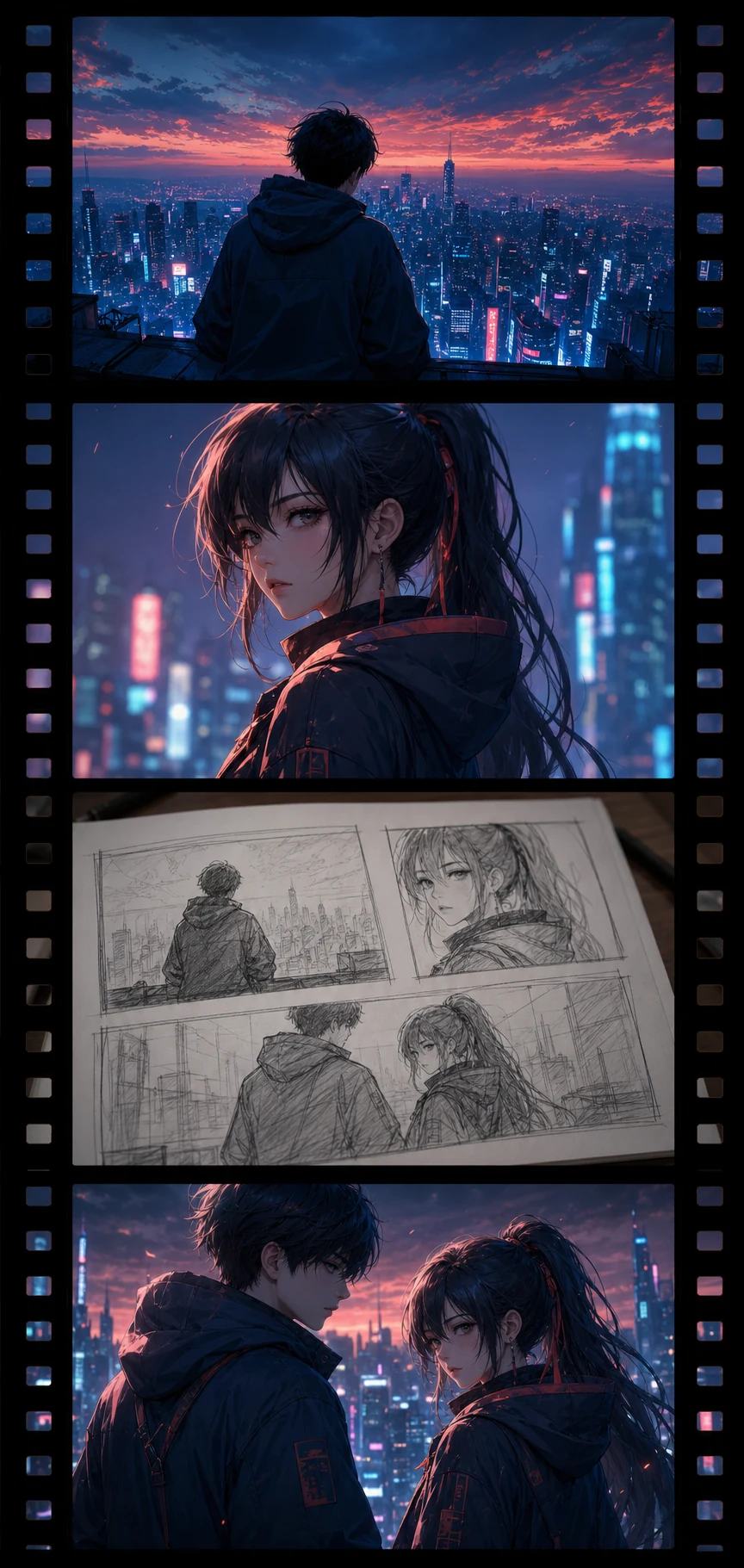
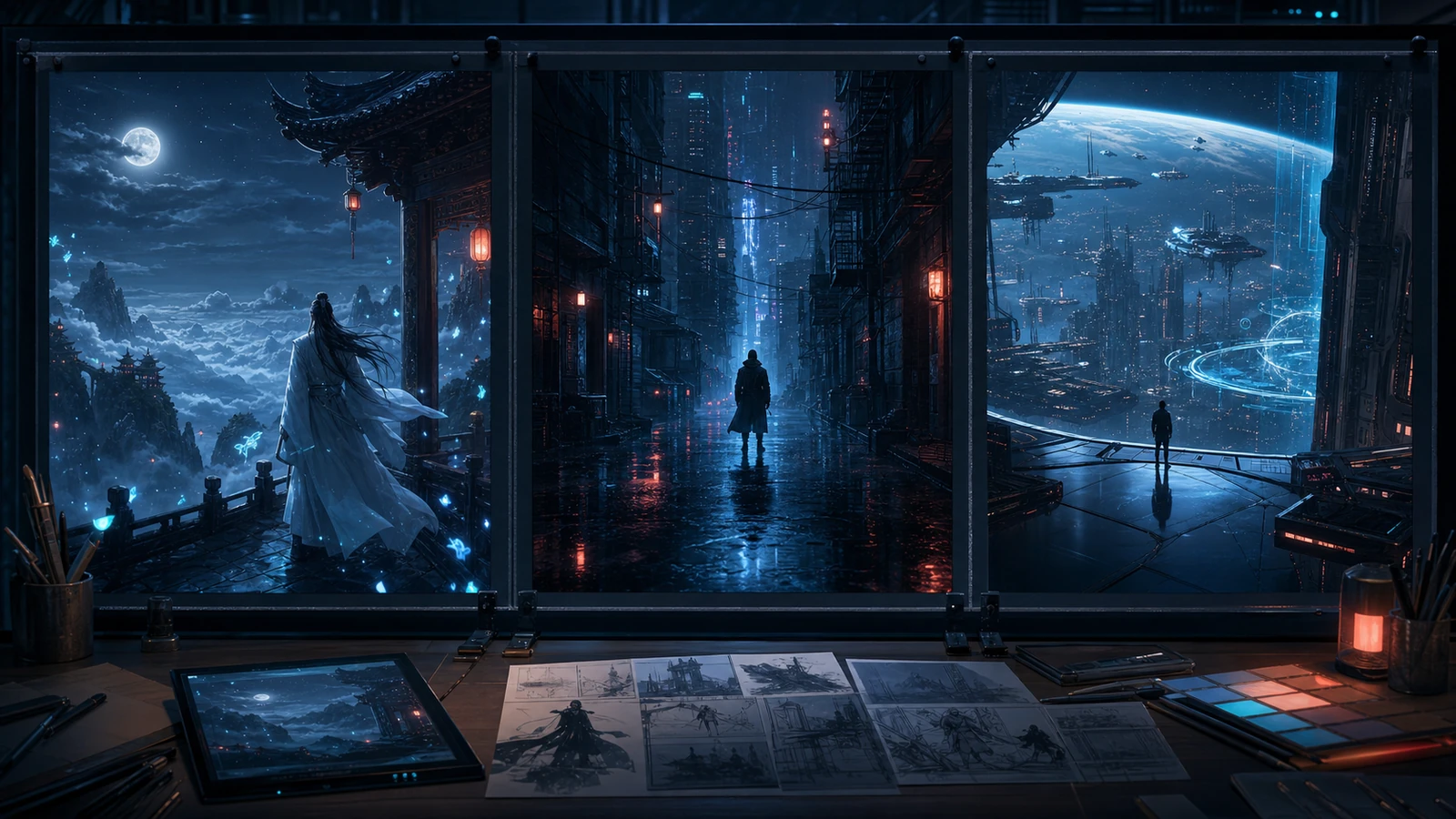
SIX CREATION CHAPTERS
Build your course project in CoolShowAI: organise the story, develop shots and keep each round of feedback connected to the work.

Shape a workable brief and script version from genre, theme, character goals, and audience context.

Build reusable character, setting, and prop assets that keep the visual language consistent.

Turn the script into executable shots with framing, composition, pacing, and transitions.

Generate, select, and refine motion shots inside a versioned production workflow.

Finish voice, sound, music, captions, and localization preparation as one screen experience.

Use mentor notes and human quality checks to revise and package the final work and files.
AI creative concept · not learner work
ONE PROJECT · ONE ASSET SYSTEM
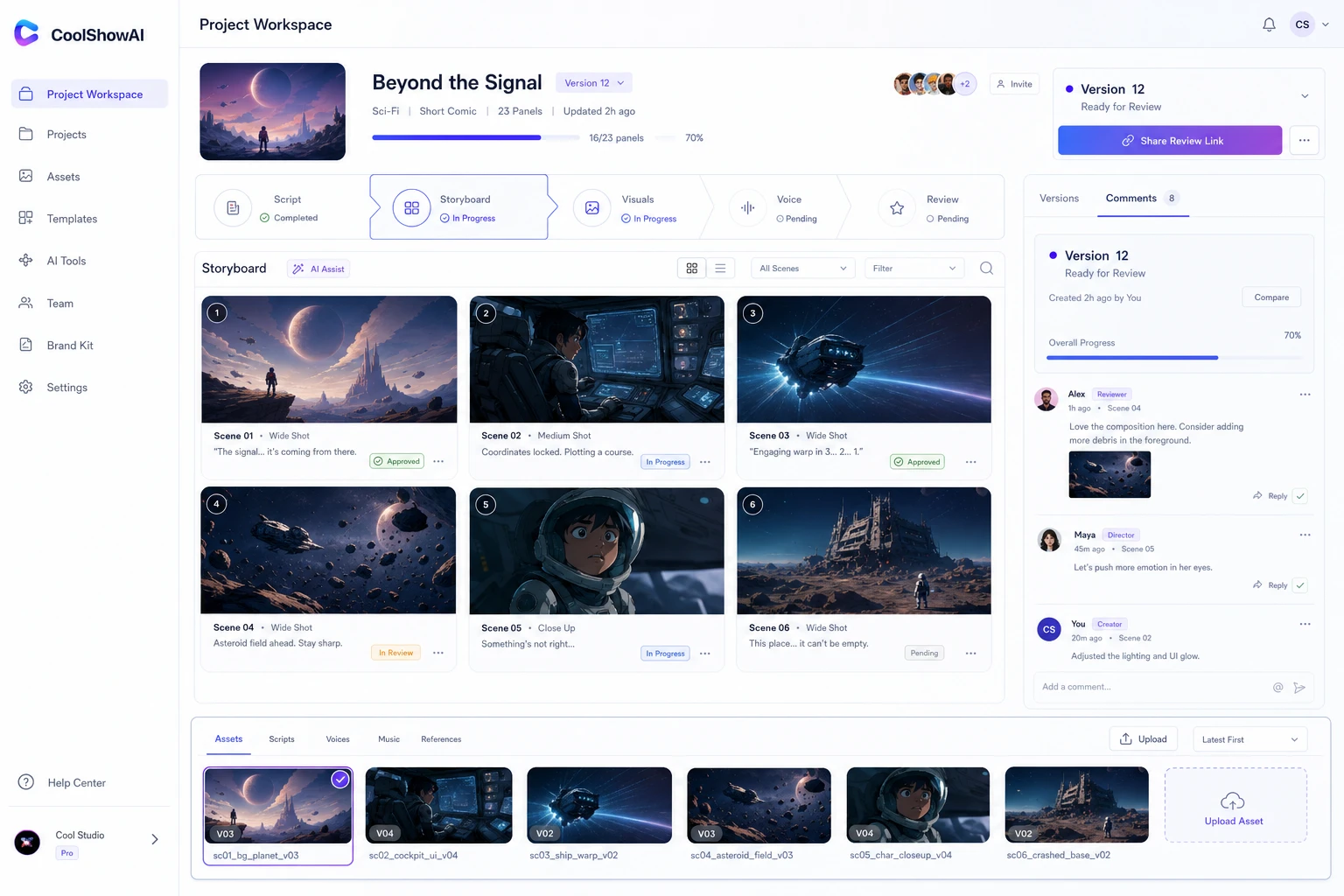
Projects, characters, worlds, shots, tasks, and versions stay connected. Learners and mentors create, review, revise, and deliver in one workspace so decisions remain traceable and assets can be reused.
Design, styling, and motion references
World concepts, references, and source material
Version comparison and iteration history
Review comments, annotations, and revision tasks
Final work, asset package, and delivery documents
WORKSPACE IN THE CURRICULUM
Manage the project, assets, shots, tasks, versions and mentor feedback in one creation workspace, turning each lesson into work you can revise, review and deliver.

Agreed course content is accessible for one year from paid-course activation. 10,000 CoolShowAI points is included; activation details and scope are confirmed in the service checklist. Guidance and review follow the six-week plan. A year of access does not mean unlimited year-long tutoring.
Course detailsAgreed learning materials remain accessible for one year after this in-person course actually ends. Postponed courses receive a corresponding extension. This does not extend teaching or repeat-course periods or reset points expiry. 50,000 CoolShowAI points is issued after the first valid attendance check-in. Points are valid for one year from posting; eligible functions and usage rates are confirmed in the service checklist.
Course detailsAgreed learning materials remain accessible for one year after this in-person course actually ends. Postponed courses receive a corresponding extension. This does not extend teaching or repeat-course periods or reset points expiry. 200,000 CoolShowAI points is issued after the first valid attendance check-in. Points are valid for one year from posting; eligible functions and usage rates are confirmed in the service checklist.
Course details
Agreed learning materials remain accessible for one year after this in-person course actually ends. Postponed courses receive a corresponding extension. This does not extend teaching or repeat-course periods or reset points expiry. The current term order includes 30,000 CoolShowAI points, issued within two working days after the first valid check-in and actual teaching. Guardians arrange activation and consent for minors; guardian consent does not override a platform’s age requirements.
Course detailsAI creative concept · not learner work
CoolShowAI is provided as the project creation workspace during the course. Available models, resource allowance, access period and applicable features follow the current course plan. Every AI-assisted output still requires human editing, rights checks and content review.
CONTACT ATVAI
Share your experience, target work and available time by email. We will provide the current course plan, CoolShowAI access terms, fees and confirmed cohort information.